Draw an outline.Pull it up.
SketchCraft is a free 3D modeler for houses, rooms and furniture. Same tools and shortcuts as SketchUp, and it opens your SketchUp files.
Mac, Windows and Linux. Open source. No account.
From a line to a house.
If you've used SketchUp, you already know how. If you haven't, the Learn button in the app teaches each step with short lessons that watch you do it.
Draw an outline
Press R and drag a rectangle on the ground, or type 5,4 for exact sizes. Lines, arcs, circles and offsets all snap to corners, midpoints and the axes.
Pull it up
Press P, click the face and pull. Type 8'6" or 250cm and press Enter. Move a corner, cut a line through a face, and keep shaping.
Lay out the rooms
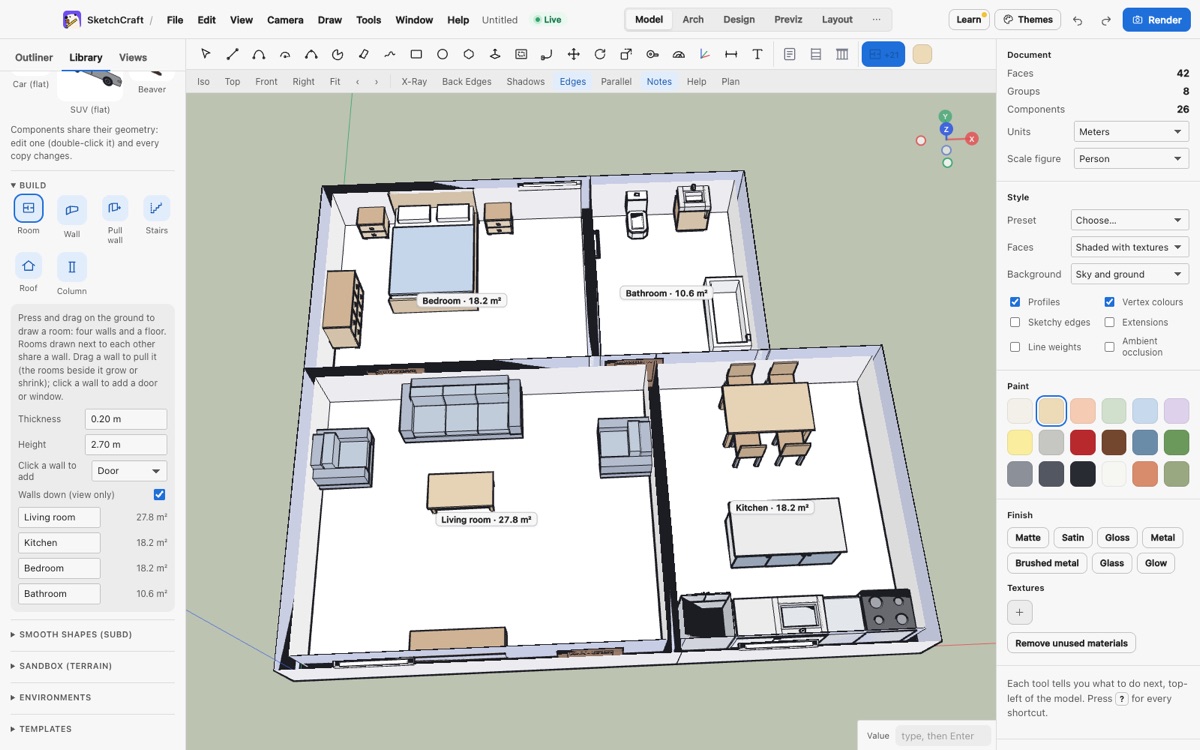
Drag out a room for four walls and a floor. Rooms side by side share a wall, doors and windows go in with a click, and the library has beds, sofas, kitchens and bathrooms ready to drop in.
Show it off
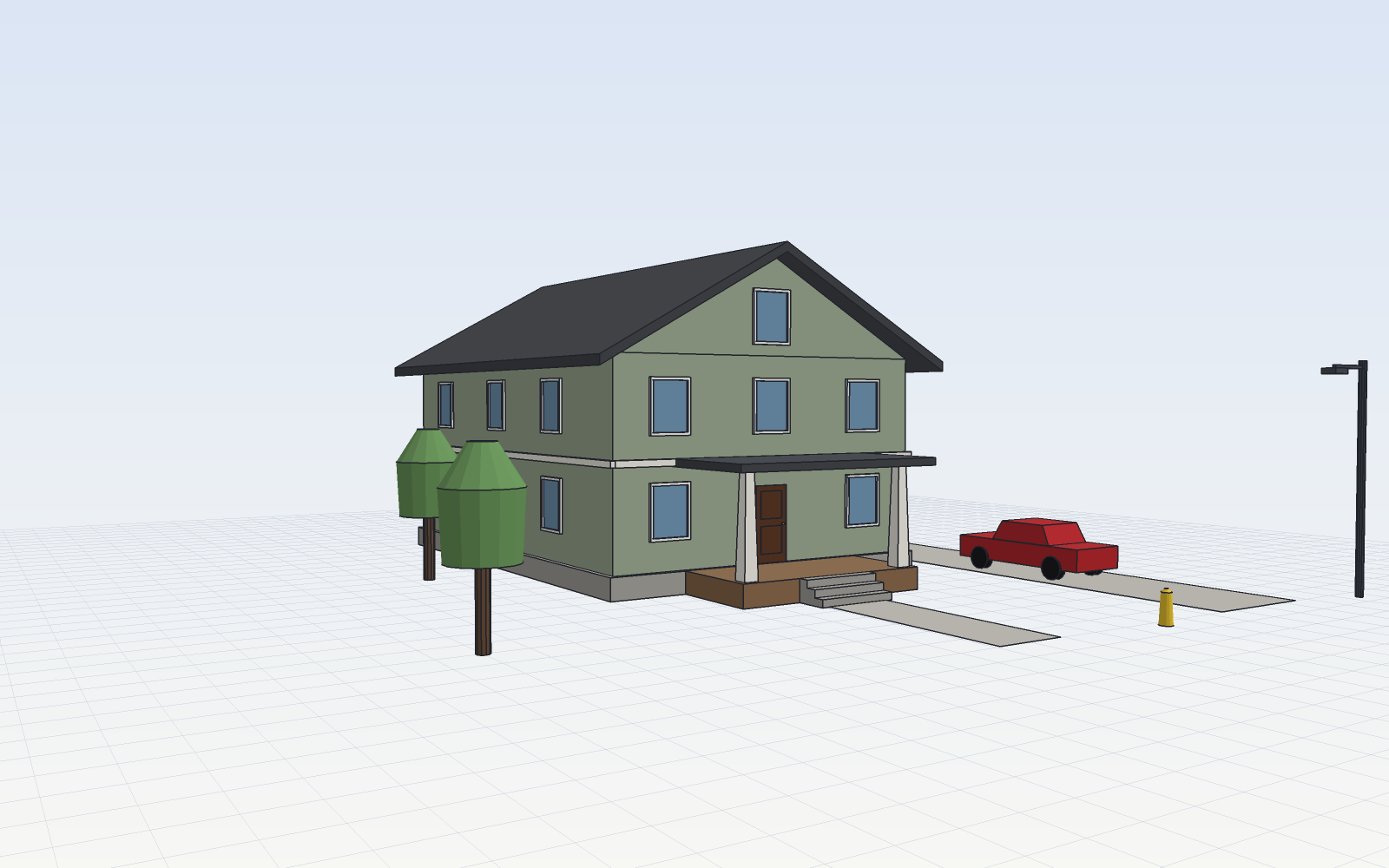
Photoreal renders, sun studies, walkthrough videos, section cuts, and drawing sheets at real scale.
Plan the build
The Cut list plugin lists every board to cut and roughly how many sheets and boards to buy.
Opens what you already have
SketchUp files from version 6 on, AutoCAD drawings, Revit and ArchiCAD models (as IFC), and 3D scans you can snap to. DWG and IFC need a free helper that SketchCraft shows you how to set up.
- .skp
- .dwg
- .dxf
- .ifc
- .fbx
- .obj
- .las
Then save to any of these:
- glTF
- FBX
- OBJ
- STL
- Collada
- DXF
- DWG
- IFC
- PNG
- MP4
Every click is a command
Scripts, plugins and AI agents over MCP drive exactly what you drive with the mouse. Scripting guide
{"cmd":"rect","to":[8,12,0],"as":"lot"}
{"cmd":"pushpull","face":"@lot","distance":6}
$ sketchcraft mcp --doc model.sketchcraft

Always free. Never freemium. Never paid.
SketchCraft 0.3.9 is open source under the MIT license. No account, no trial, no upgrade screen. It updates itself when a new version is out.
Not signed by Apple or Microsoft yet. The first time: on a Mac, System Settings › Privacy & Security › Open Anyway; on Windows, More info › Run anyway.